Your website is often the first interaction potential customers have with your business. If your WordPress website looks outdated, loads slowly, or fails to deliver a seamless user experience, it can negatively impact your brand reputation and conversion rates.
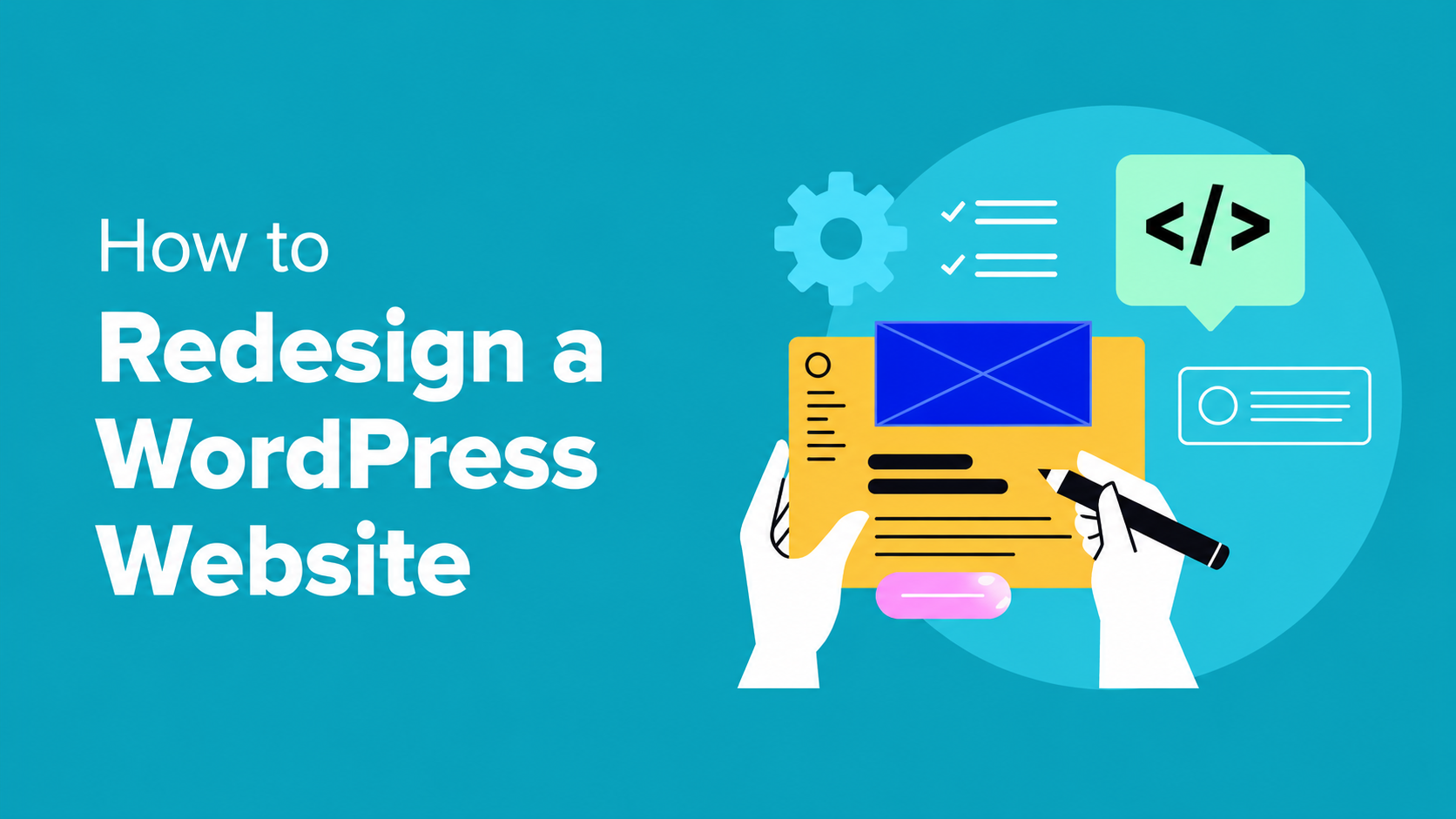
A well-planned WordPress website redesign is more than just a visual upgrade. It improves website performance, enhances user experience, strengthens SEO, and helps align your website with your current business goals.
In this guide, we’ll explore the most important factors to consider before redesigning your WordPress website.
Why Redesign Your WordPress Website?
Technology, user expectations, and design trends constantly evolve. A website that performed well a few years ago may now struggle to meet modern standards.
Key Benefits of a WordPress Website Redesign
Improved Website Speed
Website speed directly impacts user satisfaction and search engine rankings. A redesign allows you to remove outdated code, optimize assets, and implement modern performance techniques.
Better User Experience (UX)
A redesigned website helps visitors navigate more easily, find information quickly, and complete desired actions with minimal friction.
Enhanced Mobile Responsiveness
With mobile traffic dominating the web, your website must perform flawlessly across smartphones, tablets, and desktops.
Stronger Brand Identity
Your website should accurately reflect your current brand image, messaging, and business objectives.
Higher Conversion Rates
Modern layouts, optimized landing pages, and strategic call-to-action buttons can significantly improve lead generation and sales.
Better Plugin and Tool Integration
A redesign provides the opportunity to integrate modern plugins, CRM systems, marketing tools, analytics platforms, and automation solutions.
1. Define Clear Business Goals
Before starting any redesign project, identify the purpose of your website.
Ask yourself:
- Do you want more leads?
- Are you focused on increasing sales?
- Do you want to improve user engagement?
- Are you targeting a new audience?
Your redesign strategy should support measurable business objectives.
Important KPIs to Track
- Conversion Rate
- Bounce Rate
- Average Session Duration
- Organic Traffic
- Page Load Speed
- Lead Generation Performance
2. Analyze Current Website Performance
A successful redesign begins with data.
Use tools such as:
- Google Analytics
- Google Search Console
- GTmetrix
- PageSpeed Insights
Review:
- High-performing pages
- Traffic sources
- User behavior
- Conversion funnels
- Mobile performance
Understanding current performance helps identify areas that require improvement.
3. Why WordPress Remains the Best CMS
Compared to manually coded websites, WordPress offers exceptional flexibility and scalability.
Benefits include:
- Easy content management
- Thousands of plugins and integrations
- SEO-friendly architecture
- Faster development cycles
- Lower maintenance costs
- Excellent scalability
WordPress empowers businesses to manage and grow their online presence without requiring extensive technical expertise.
4. Protect Your SEO During the Redesign
One of the biggest mistakes businesses make is losing search rankings after a redesign.
Before launching the new website:
- Audit existing URLs
- Preserve high-performing pages
- Maintain keyword-focused content
- Create proper 301 redirects
- Update internal links
- Verify sitemap functionality
SEO should be a core part of every WordPress website redesign project.
5. Review Plugins, Themes, and Technology Stack
Outdated plugins and themes can negatively impact security and performance.
Best practices include:
- Remove unused plugins
- Update outdated tools
- Select a lightweight SEO-friendly theme
- Ensure compatibility with the latest WordPress version
- Integrate modern business tools and APIs
A clean technology stack contributes to better speed, security, and scalability.
6. Optimize Website Performance
Website speed affects both user experience and search rankings.
Performance Optimization Checklist
- Compress and optimize images
- Implement browser caching
- Use a Content Delivery Network (CDN)
- Enable lazy loading
- Minify CSS and JavaScript files
- Choose high-performance hosting
Regular performance testing should be part of your redesign process.
7. Prioritize User Experience and UI Design
Modern website visitors expect intuitive navigation and visually appealing designs.
Focus on:
- Mobile-first design
- Clear navigation structure
- Strong visual hierarchy
- Readable typography
- Fast-loading pages
- Conversion-focused layouts
A user-centered design improves engagement and encourages visitors to take action.
8. Backup Your Website Before Making Changes
Never begin a redesign without a complete backup.
Backup essentials include:
- Website files
- Themes
- Plugins
- Media library
- Database
Reliable backup solutions help protect your business from unexpected issues during development.
9. Use a Staging Environment
A staging site allows you to safely test changes before they go live.
Benefits include:
- Detecting plugin conflicts
- Testing responsiveness
- Reviewing user journeys
- Identifying performance issues
- Preventing downtime
Always validate every feature before launching the redesigned website.
10. Plan Your Launch and Monitor Results
A redesign project doesn’t end at launch.
After deployment:
- Monitor website speed
- Check for broken links
- Review analytics data
- Track rankings and traffic
- Test conversion paths
- Gather user feedback
Continuous monitoring ensures long-term success and ongoing improvements.
Final Thoughts
A successful WordPress website redesign combines strategy, SEO, performance optimization, and user experience improvements. When executed correctly, it can increase traffic, improve conversions, strengthen your brand, and create a better experience for your visitors.
Whether you’re modernizing an outdated website or preparing for future business growth, careful planning is essential to maximize the return on your investment.
Need professional WordPress redesign services? Partner with experienced WordPress developers to create a fast, secure, SEO-friendly website that delivers measurable business results.